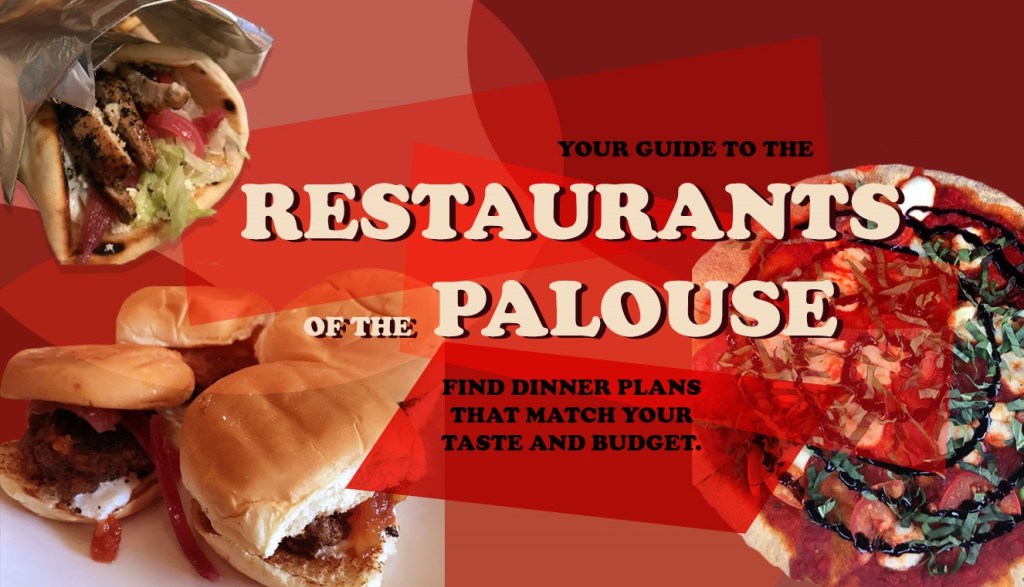
My favorite projects of this semester were both the logo project as well as the graphic design project. I have used both Photoshop as well as Illustrator before so there was less time spent on learning how to use the programs and I was able to focus more on the creative process of the projects. Here are the final products of both of those projects.
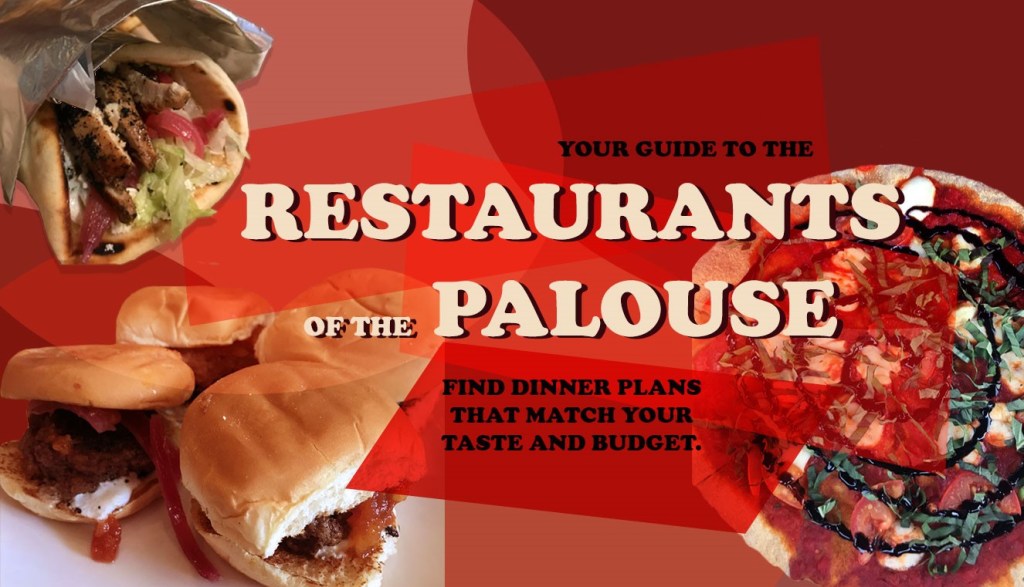

Although I have used Illustrator before in other courses, the tutorial assignments helped show me new ways of using the program and taught me techniques that make everything much easier. With my major being landscape architecture, Illustrator is a beneficial tool in creating design graphics and I will be able to use the skills that I learned in class to create graphics such as the one below I created for my design studio.
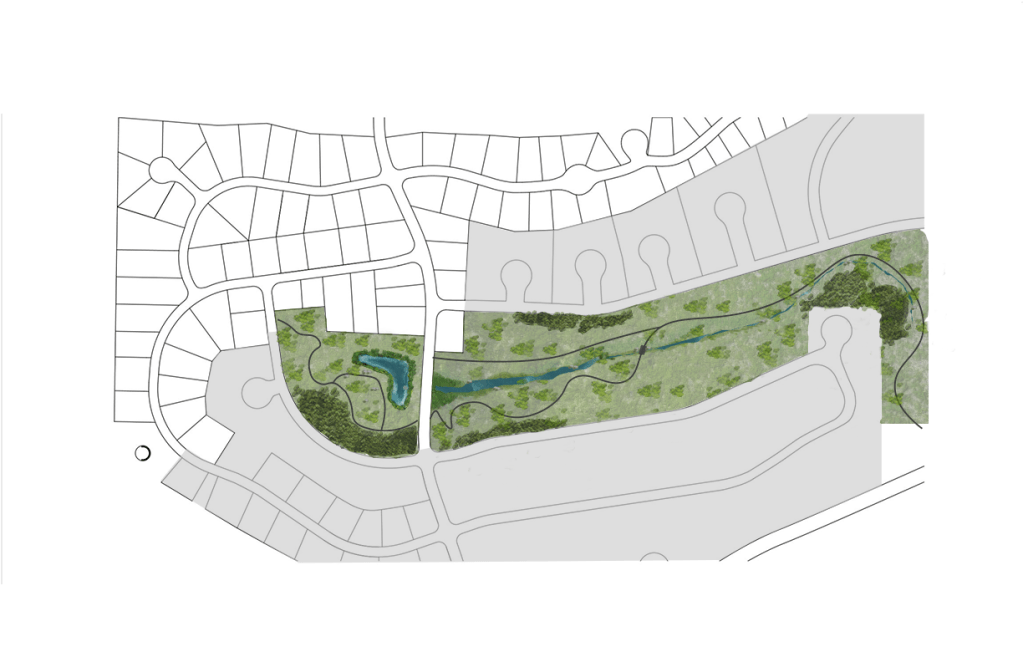
For my future, I hope to work in a landscape architecture firm as a graphic design specialist. I have found from this class as well as m design studio class that I really enjoy the creative process of making graphics. The tools I have gained from the Photoshop and Illustrator portion of this course will help me tremendously.
A skill that I wished I could have learned is Adobe Lightroom. That program might be more advanced for this course, but I have always been curious of how the program works and what applications could be beneficial to my graphics.
A website that I found to be extremely helpful was YouTube. There are so many tutorials on YouTube for anything you are trying to do and if I got stuck on a specific problem it usually would help. I used a YouTube tutorial to get the dripping cheese effect of my logo design that I envisioned in my sketch and it was found with a simple search. Here the tutorial is linked below.





 Ferocious Foodie Reviews